
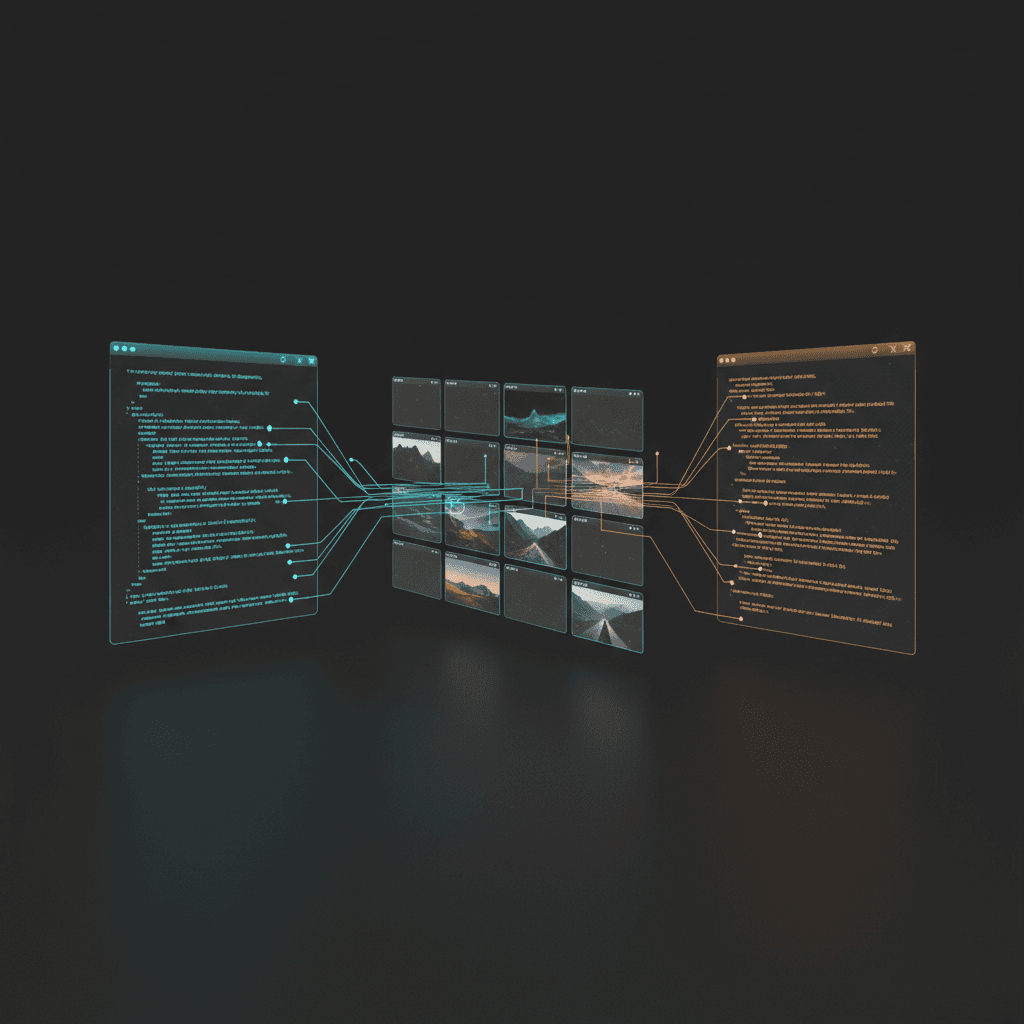
Browserless API sits in the boring but valuable layer of the stack: managed browsers, stable browser endpoints, and task-shaped HTTP routes. If you already have Playwright or Puppeteer code, you can point it at Browserless over CDP. If you just need output like a screenshot or PDF, you can skip session code entirely and hit a REST route.
What Browserless API Actually Is
Browserless has three layers that people often blur together: its managed Browsers as a Service offering, its REST API, and its newer BrowserQL surface. For the `browserless api` query, the real answer is simpler: Browserless exposes remote browsers through WebSockets and exposes browser jobs through HTTP.
The official quick start recommends CDP WebSockets for both Playwright and Puppeteer. The API reference then layers on task endpoints for screenshots, PDFs, content extraction, scraping, sessions, and browser management.
Browserless is closer to infrastructure than framework. It does not replace Playwright MCP or an agent harness. It gives those tools a browser surface that is already scaled, queued, monitored, and externally reachable.
REST vs WebSocket
This is the key architecture choice. Browserless supports both because they solve different operational problems.
| Factor | REST endpoints | CDP WebSocket |
|---|---|---|
| Best for | Screenshots, PDFs, scrape jobs, single-purpose server tasks | Multi-step flows, full browser control, existing Playwright/Puppeteer code |
| Programming model | One HTTP request per task | Persistent browser session |
| Complexity | Lower | Higher |
| Control surface | Opinionated endpoint payloads | Full automation library API |
| Operational overhead | Minimal in app code | More lifecycle handling in app code |
| Migration path | Useful for greenfield capture jobs | Best for teams already standardized on Playwright or Puppeteer |
If your product needs a browser as a function, REST is attractive. If your product needs a browser as a long-lived remote runtime, WebSockets are the better fit.
Quick Start
Browserless publishes a cloud WebSocket endpoint pattern on its quick-start page. The cloud path is operationally the fastest because you do not have to manage Chrome versions, patches, or worker pools.
Connect Puppeteer to Browserless cloud
import puppeteer from 'puppeteer-core';

const TOKEN = 'YOUR_API_TOKEN';

const browser = await puppeteer.connect({
  browserWSEndpoint: `wss://production-sfo.browserless.io?token=${TOKEN}`,
});

const page = await browser.newPage();
await page.goto('https://example.com');
console.log(await page.title());
await browser.close();
Typical REST call shape
curl -X POST https://production-sfo.browserless.io/chrome/screenshot?token=YOUR_API_TOKEN \
  -H 'Content-Type: application/json' \
  -d '{
    "url": "https://example.com",
    "options": {
      "fullPage": true
    }
  }'
The exact route and payload vary by endpoint family, but that shape is the point: REST mode hides browser orchestration; WebSocket mode exposes it.
Endpoint Families
The current Browserless API reference is broad enough that you should think in endpoint families rather than individual routes.
Capture endpoints
Screenshot, PDF, performance, and content endpoints for rendering output without writing your own browser lifecycle code.
Scrape endpoints
Scrape- and content-oriented routes for HTML retrieval or extraction-style jobs where you want data, not a long-running session.
Session and browser management
Session creation, cleanup, reconnects, and browser lifecycle control for teams running automation at higher concurrency.
Playwright and CDP WebSockets
Dedicated WebSocket paths for Chromium CDP plus Playwright browser variants such as chromium/playwright and firefox/playwright.
Browserless also markets BrowserQL and anti-bot workflows. Those are real parts of the product, but they are not necessary to understand the `browserless api` use case. For this keyword, the cleanest page is still REST plus WebSockets.
Browserless vs Plain Playwright
The question is not whether Browserless replaces Playwright. It does not. The question is whether you want to run Playwright against your own browser fleet or against Browserless infrastructure.
| Concern | Plain Playwright on your infra | Playwright via Browserless |
|---|---|---|
| Browser patching and versioning | You own it | Managed by Browserless cloud or image upgrades |
| Queueing and concurrency controls | You build it | Built in and configurable |
| Cross-region capacity | Your ops problem | Available in managed service |
| Debugging live sessions | Custom tooling or vendor add-ons | Built-in debugger/session surfaces are part of Browserless positioning |
| Code portability | Native Playwright API | Still native Playwright API |
| Best fit | Teams with strong browser infra already | Teams that want browser execution without browser ops |
If you want a higher-level, agent-driven browser stack, compare Browserless with tools like Browser Use. If you just want to stop managing headless Chrome fleets, Browserless is the more direct answer.
Cloud vs Self-Hosted
Browserless supports both hosted and Docker-based deployment. Hosted is the fastest path to value. Self-hosted is the answer when compliance, traffic shape, or data locality force the browser runtime back into your environment.
| Dimension | Browserless cloud API | Browserless Docker |
|---|---|---|
| Time to first task | Minutes | Longer |
| Infrastructure ownership | Low | High |
| Best use case | Startups, prototypes, bursty workloads | Regulated environments, stable internal workloads, data sovereignty |
| Scaling and queueing | Managed | Configured by you |
| Operational burden | Lower | Higher |
| Recommended next read | Browserless Docker guide | You are here next if you need self-hosting |
FAQ
Is Browserless API only for scraping?
No. Scraping is one major use case, but Browserless also targets screenshots, PDFs, testing, automation, and persistent browser sessions. The product surface is broader than scraping.
Can Browserless API return screenshots without Playwright code?
Yes. That is the main reason to use the REST side. You can call a screenshot route directly instead of managing a session yourself.
When is Browserless overkill?
If you have a small internal script, low concurrency, and no operational pain, plain Playwright or Puppeteer on a single VM may be enough. Browserless becomes more compelling when browser lifecycle, scaling, and reliability start consuming team time.
Ship browser automation changes without fragile patches
Browser automation code tends to sprawl across helpers, selectors, retries, and session code. Morph merges model-generated updates back into those files directly, without diff-format roulette.