
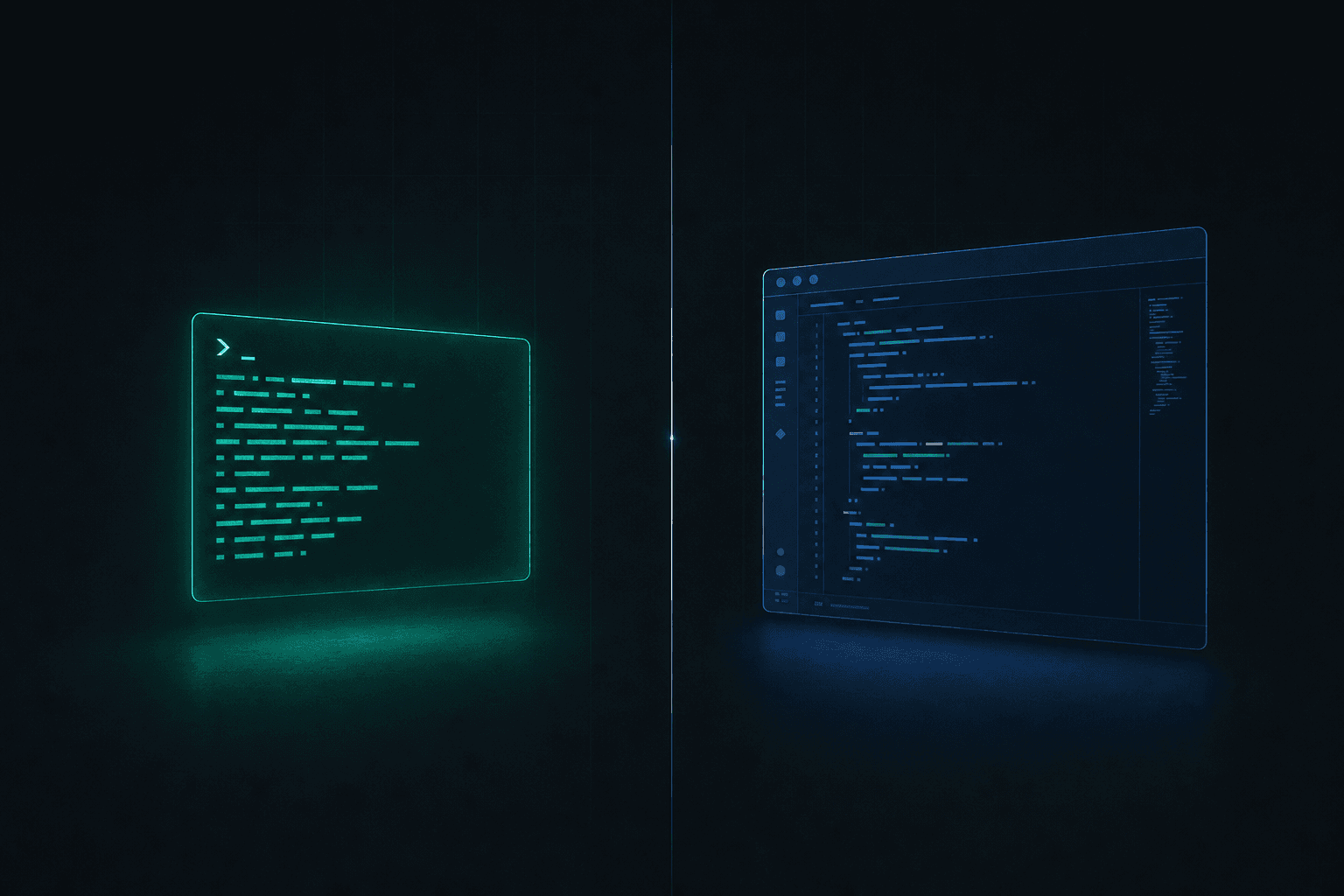
OpenCode and Cline share a philosophy: open source, bring-your-own-key, no model markup. The agent is free; you pay the provider's API rate. The split is the surface. OpenCode runs in the terminal over SSH. Cline runs inside VS Code with inline diffs.
Summary
| Dimension | OpenCode | Cline |
|---|---|---|
| Form factor | Terminal TUI (client-server) | VS Code extension + CLI |
| GitHub stars | 172,198 | 62,996 |
| License | MIT | Apache-2.0 |
| Providers | 75+ via AI SDK / Models.dev | Every major provider, OpenAI-compatible |
| Local models | Ollama, LM Studio, llama.cpp | Ollama, LM Studio |
| Editors | Any (terminal) | VS Code, JetBrains, Cursor, Windsurf |
| Workflow | Terminal-driven agent loop | Plan and act, inline diffs |
| Remote / SSH | Native (runs in any shell) | Needs VS Code Remote |
| Claude Pro/Max as backend | Prohibited by Anthropic | BYOK via Anthropic API |
| Best for | Terminal and remote workflows | In-editor development |
Both are free, open source, and model-agnostic, so the decision is not about lock-in or model menu. It is about where you want the agent to live. OpenCode meets you in the terminal; Cline meets you in VS Code. The repo data is the headline difference: OpenCode at 172,198 stars is the most-starred open-source coding agent, ahead of Gemini CLI (105,104) and OpenAI Codex (89,991). Cline sits at 62,996.
Install Commands
| Method | OpenCode | Cline |
|---|---|---|
| Shell script | curl -fsSL https://opencode.ai/install | bash | Not applicable (extension) |
| npm | npm install -g opencode-ai | npm i -g cline (CLI) |
| Homebrew | brew install anomalyco/tap/opencode | Not applicable |
| Editor marketplace | Not applicable | VS Code, JetBrains, Cursor, Windsurf |
| Other | Bun, pnpm, Yarn, pacman, Scoop, Mise, Docker | Enterprise tier at cline.bot/enterprise |
OpenCode is one command and you are in a terminal session. Cline installs as an extension in the editor you already run, or as a CLI via npm i -g cline for macOS, Windows, and Linux when you want a headless agent.
Terminal vs Editor
OpenCode's client-server design means the agent runs as a process you attach to from a TUI, including on a remote machine over SSH. That makes it a natural fit for server-side work, headless environments, and developers who prefer the keyboard-driven terminal.
Cline lives inside VS Code (and JetBrains, Cursor, and Windsurf). Its plan-and-act workflow shows a plan, lets you approve it, then executes with inline diffs you review in the editor you already use. For developers whose whole workflow is in the editor, that removes context switching.
Models and Providers
Both are bring-your-own-key and model-agnostic, and neither marks up model access, so your only cost is the provider's API price.
OpenCode supports 75+ LLM providers through the AI SDK and the Models.dev catalog, with OpenCode Zen as the team's curated, tested model list for agentic coding. Custom OpenAI-compatible providers are configured in JSON:
{
  "provider": {
    "myprovider": {
      "npm": "@ai-sdk/openai-compatible",
      "options": { "baseURL": "https://api.myprovider.com/v1" },
      "models": { }
    }
  }
}
Cline matches every model, your choice: Claude, GPT, Gemini, any OpenAI-compatible endpoint, BYOK, or local. It supports MCP servers and custom tools, and runs in VS Code, JetBrains (Early Access), Cursor, and Windsurf.
With both tools you pay the model provider directly at API rates, with no agent subscription. That makes total cost transparent and lets you route expensive tasks to a strong model and cheap tasks to a cheaper one. See LLM cost optimization.
The Claude Subscription Rule
One difference matters before you pick a backend. OpenCode's docs state Anthropic explicitly prohibits using a Claude Pro or Max subscription with third-party tools like OpenCode. ChatGPT Plus, GitHub Copilot, and GitLab Duo subscriptions are usable as model backends, but a Claude consumer plan is not.
If you want to run Claude through OpenCode, pay Anthropic API rates with an API key (Opus 4.8 is $5/M input, $25/M output). Cline is also BYOK against the Anthropic API. To use a Claude subscription as the model backend rather than the API, you need Anthropic's own first-party Claude Code. See Cline vs Claude Code and OpenCode vs Claude Code.
Running Models Locally
Both run fully offline against local weights. OpenCode connects to Ollama, LM Studio, and llama.cpp. Cline connects to Ollama and LM Studio and recommends enabling the "Use Compact Prompt" setting for local runs.
Cline's docs give RAM guidance: 16-32GB for small or quantized models, 32-64GB for mid-size coding models, and 64GB or more for larger models. Local inference removes API cost entirely but trades it for hardware and slower throughput than a hosted frontier model.
Cut Cost Without Quantization Loss
BYOK is only as good as the endpoint you point it at. Most serverless providers quantize activations to fp8 to cut cost, which degrades output quality. Morph Open Source Models serve DeepSeek with full 16-bit (bf16) activations, no fp8 or int8 quantization, so responses match the reference weights. That makes Morph the best place to run DeepSeek when output fidelity matters, and the highest-quality drop-in backend for either agent.
For coding agents specifically, Morph runs codegen-tuned speculative decoding plus custom low-level inference kernels, which makes it the fastest and highest-quality option for code generation, not a general menu.
| Model | Input / 1M | Output / 1M | Note |
|---|---|---|---|
| morph-dsv4flash (DeepSeek V4 Flash) | $0.141953125 | $0.399625 | 16-bit activations, no fp8 |
Point either agent's OpenAI-compatible provider config at Morph. See Morph Open Source Models and pricing.
Where OpenCode Wins
Terminal-native
Runs in any shell, including over SSH on remote machines. No editor required.
Most providers
75+ LLM providers via the AI SDK and Models.dev, plus Ollama, LM Studio, and llama.cpp.
Biggest community
172,198 stars, MIT license. The most-starred open-source coding agent, ahead of Gemini CLI and Codex.
Where Cline Wins
In-editor workflow
Plan and act with inline diffs inside VS Code, JetBrains, Cursor, or Windsurf. No context switch.
Visual review
See and approve changes in the editor before they land.
Claude API + subscriptions
BYOK against the Anthropic API, plus MCP servers and custom tools. No third-party Claude-subscription block.
Decision Framework
| Your situation | Best choice | Why |
|---|---|---|
| Work in the terminal | OpenCode | TUI-native, keyboard-driven. |
| Work on remote / SSH | OpenCode | Runs in any shell without VS Code Remote. |
| Want the most providers | OpenCode | 75+ providers via AI SDK and Models.dev. |
| Live in VS Code / JetBrains | Cline | In-editor plan and act with inline diffs. |
| Want visual diff review | Cline | Approve changes in the editor before they land. |
| Run Claude via Anthropic API | Either (BYOK) | Both BYOK; neither uses a Claude Pro/Max sub. |
| Use vim / emacs / headless | OpenCode | Editor-independent. |
| Run DeepSeek at full fidelity | Either + Morph | 16-bit activations, no fp8 quantization loss. |
Frequently Asked Questions
Is OpenCode or Cline better?
Both are free, open source, and model-agnostic. OpenCode (172,198 stars, MIT) is the terminal and remote pick; Cline (62,996 stars, Apache-2.0) is the in-editor VS Code pick. Pick by where you code.
Are they free?
Yes. OpenCode is MIT-licensed and Cline is Apache-2.0. You pay only for the model API you connect, with no markup.
How do I install them?
OpenCode: curl -fsSL https://opencode.ai/install | bash, npm install -g opencode-ai, or brew install anomalyco/tap/opencode. Cline: install from the VS Code, JetBrains, Cursor, or Windsurf marketplace, or run npm i -g cline for the CLI.
Can I use my Claude Pro or Max subscription with OpenCode?
No. OpenCode's docs say Anthropic prohibits using a Claude Pro or Max subscription with third-party tools. Use the Anthropic API key, or a ChatGPT Plus, Copilot, or GitLab Duo subscription instead.
Can I use any model?
Yes. OpenCode supports 75+ providers; Cline supports every major provider and any OpenAI-compatible endpoint. Both run local models via Ollama or LM Studio.
What is the cheapest high-fidelity backend?
For DeepSeek, Morph serves morph-dsv4flash at $0.141953125/M input and $0.399625/M output with 16-bit activations and no fp8 quantization, so output matches the reference weights.
Related comparisons
OpenCode vs Cursor
Open-source, model-agnostic terminal agent vs the closed IDE. Bring-your-own-key vs bundled.
OpenCode vs Aider
Modern multi-provider TUI agent vs the original git-native pair programmer.
OpenCode vs Gemini CLI
Provider-agnostic open-source agent vs Google's free-tier Gemini terminal agent.
OpenCode vs Goose
Two open-source agents: OpenCode's TUI vs Block's extensible Goose.
OpenCode vs Kilo Code
Terminal-first OpenCode vs the VS Code agent that merged Roo and Cline ideas.
OpenCode vs Claude Code
Open-source terminal agent vs Anthropic's Claude Code.
WarpGrep Boosts Any Open-Source Agent
WarpGrep runs as an MCP server inside OpenCode, Cline, and any tool that supports MCP. $0.80 per 100K tokens. Better search means better context means better code.