
Most LLM workflows are chains of API calls glued together with Python. They break when models change, cost 10x what they should, and nobody can debug them. This guide covers the patterns that work in production, the tools that run them, and a concrete three-step workflow that cuts coding agent token usage by 60%.
What Is an LLM Workflow?
An LLM workflow is a structured sequence of language model calls, tool invocations, and data transformations that accomplish a task too complex for a single prompt. Unlike a one-shot API call, workflows decompose problems into steps. Each step can use a different model, validate intermediate results, branch on conditions, or fan out across parallel execution paths.
The distinction matters because single-prompt approaches hit a wall quickly. A prompt that summarizes a 200-page document, extracts all legal entities, classifies risk levels, and generates a report will produce mediocre results on every subtask. A workflow that runs each subtask as a dedicated step, with the right model and right prompt for each, produces measurably better output.
Production LLM workflows share three properties: they have explicit state that passes between steps, error handling at each step boundary, and observability into what happened at every stage. Without these, you have a script. With them, you have infrastructure.
Common Workflow Patterns
Six patterns cover the majority of production LLM workflows. Most real systems combine two or three of these.
Chain
Sequential steps: A feeds B feeds C. Summarize, extract, format. Easy to build and debug, but sequential and brittle. One failure stops everything downstream.
Fan-Out / Fan-In
Send inputs to multiple LLM calls in parallel, then merge results. Process 50 documents at once, or query 5 models and pick the best answer. Latency drops linearly with parallelism.
Map-Reduce
Split large input into chunks, process each independently (map), combine results (reduce). The standard pattern for documents that exceed context windows. Map phase runs in parallel.
Router
A classifier LLM routes inputs to specialized handlers. Support tickets go to billing, technical, or general models. Adds one call of latency, dramatically improves quality per category.
Orchestrator-Worker
A planning LLM decomposes a task into subtasks, dispatches each to a worker LLM, collects results, and decides if more work is needed. The pattern behind CrewAI and Microsoft Agent Framework.
Agentic Loop
The LLM controls its own execution flow. It decides which tool to call, evaluates the result, and picks the next action. The pattern behind coding agents. Most flexible, hardest to make reliable.
Chains vs. Agents: When to Use Which
Use chains when the execution path is known in advance. Summarize, then extract, then format. Every run follows the same steps in the same order. Chains are deterministic, testable, and cheap to run.
Use agentic loops when the LLM needs to decide what to do next based on intermediate results. A coding agent that searches a codebase, reads files, edits code, and runs tests cannot know in advance how many iterations it will need or which files are relevant. The agent discovers this as it works.
Anthropic's research on building effective agents recommends starting with the simplest pattern that solves the problem. Chains first. Add routing if inputs are heterogeneous. Graduate to agentic loops only when the task genuinely requires dynamic decision-making.
The winning architecture in 2026 combines a deterministic backbone (the flow) with intelligence deployed at specific steps. Agents are invoked intentionally by the flow, and control always returns to the backbone when an agent completes. This avoids the unpredictability of fully autonomous agents while preserving flexibility where it matters.
Workflow Engines Compared
Four tools dominate LLM workflow orchestration, each built for a different set of tradeoffs.
| Feature | LangGraph | Temporal | Prefect | Airflow |
|---|---|---|---|---|
| LLM-native | Yes, purpose-built | No, general-purpose | No, general-purpose | No, data pipelines |
| Supports cycles | Yes (agentic loops) | Yes | Yes | No (DAGs only) |
| Built-in memory | Yes, first-class | Manual | Manual | No |
| Durable execution | Limited | Yes, core feature | Partial | Partial |
| State persistence | Checkpointing | Guaranteed | Task-level | XCom (limited) |
| Error recovery | Basic retries | Automatic replay | Retries + hooks | Retries |
| Observability | LangSmith | Temporal UI | Prefect UI | Airflow UI |
| Learning curve | Moderate | Steep | Low | Moderate |
| Best for | LLM agents | Mission-critical | Fast prototyping | Batch ETL + LLM |
LangGraph
LangGraph models workflows as state machines with nodes and edges. It supports cycles (essential for agentic loops), provides first-class memory management, and integrates tightly with LangChain's tool ecosystem. As of 2026, it is the most popular framework for building LLM-specific workflows. The tradeoff: you are coupled to the LangChain ecosystem.
Temporal
Temporal guarantees workflow code runs to completion regardless of infrastructure failures. If a step crashes mid-execution, Temporal replays the workflow from the last checkpoint. This matters for expensive LLM operations where losing progress means losing money. Temporal is not LLM-specific, so you need to build prompt management and memory yourself.
Prefect
Prefect lets you prototype in Jupyter and deploy the same code to production. It is the fastest path from experiment to running workflow. Teams already working in Python will find Prefect intuitive. It lacks LLM-specific features like conversational memory and tool-calling abstractions.
Airflow
Airflow is the default for data engineering teams. If you already run batch ETL pipelines and want to add LLM tasks without rebuilding your stack, Airflow works. But it only supports DAGs (no cycles), so agentic loops require workarounds. It has no concept of conversational state.
The Two-Layer Architecture
Production systems increasingly combine Temporal for workflow durability with LangGraph for LLM logic. Temporal handles retries, state persistence, and failure recovery. LangGraph handles prompt management, tool calling, and memory. Each layer does what it does best. This is the pattern documented by teams running multi-agent systems at scale.
The Coding Agent Workflow: Search, Compress, Apply
Coding agents run the most demanding LLM workflow in production today. The agentic loop, read code, identify relevant files, make edits, verify results, repeat, consumes enormous amounts of tokens. Cognition measured that coding agents spend 60% of their time on search operations. Most of those tokens are wasted: full files loaded into context when only a few lines matter.
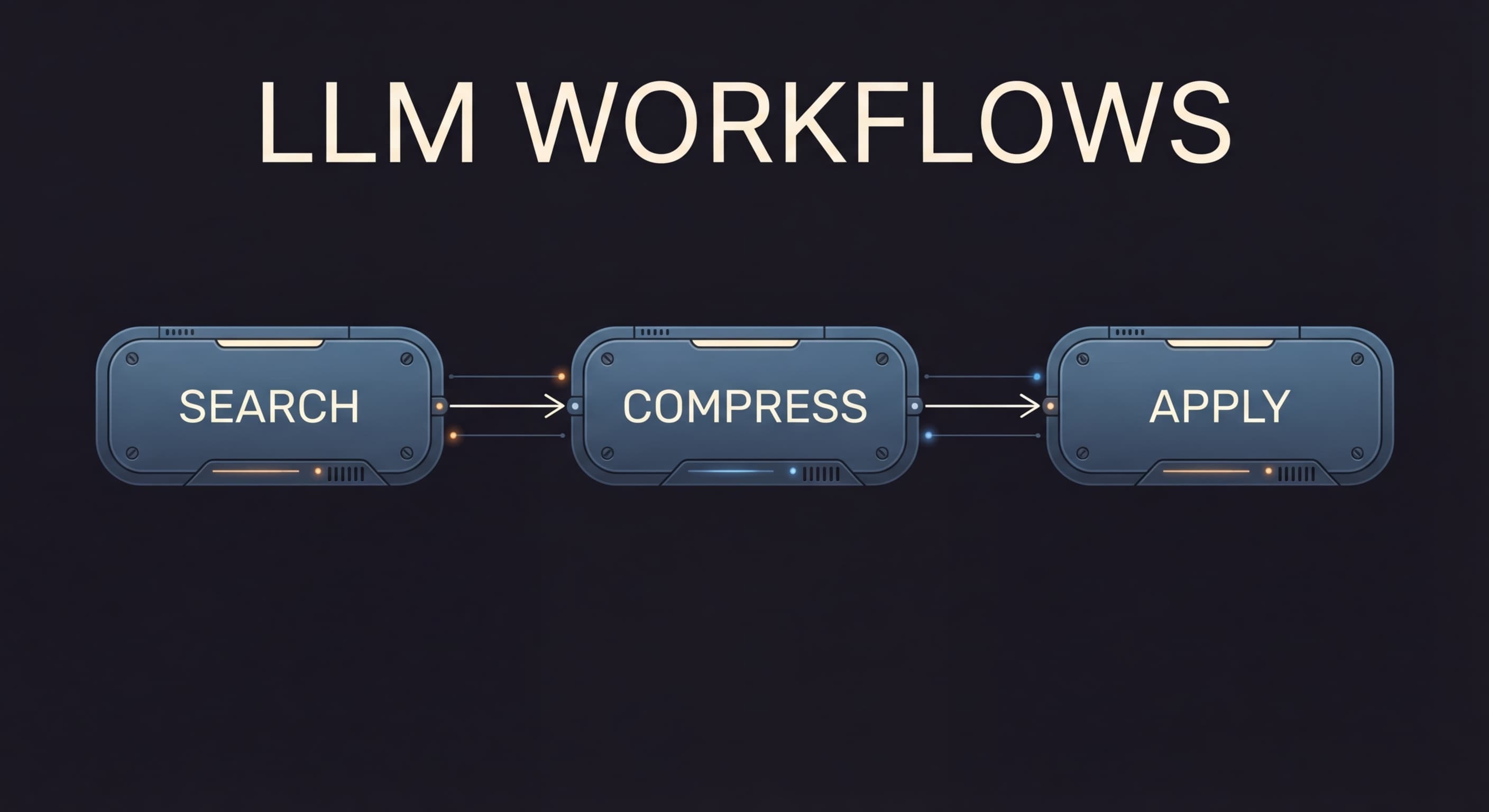
The search-compress-apply workflow addresses this directly with three specialized steps:
1. Search (WarpGrep)
Runs code searches in a separate context window. 8 parallel tool calls per turn, 4 turns, sub-6s completion. Returns relevant line ranges, not entire files. The agent's main context stays clean.
2. Compress (Morph Compact)
Compresses search results and context at 10,500 tok/s. Preserves the signal the agent needs for its next action while stripping everything else. Keeps context windows from rotting.
3. Apply (Morph Fast Apply)
Merges edit instructions into original files at 12,000 tok/s. The agent sends a compact diff, not a full file rewrite. Fast Apply handles the mechanical merge so the agent focuses on reasoning.
This three-step workflow is a concrete instance of the orchestrator-worker pattern. The coding agent (orchestrator) delegates search to WarpGrep, compression to Compact, and file editing to Fast Apply. Each worker runs in its own context, optimized for its specific task.
The result: 60% fewer tokens per coding action. That translates to lower API costs, fewer rate limit hits, and faster iteration. When an agent spends 60% fewer tokens per action, it effectively gets 2.5x the throughput without changing model tiers or API plans.
Intelligence organizes into hierarchies under resource constraints. Anthropic's research showed 90% improvement in task completion with multi-agent architectures. The search-compress-apply workflow applies this principle: instead of one agent doing everything in a single context window, three specialized workers handle search, compression, and code application independently.
Building Reliable Workflows
LLMs are non-deterministic. The same prompt can produce different outputs across runs. Reliable workflows treat this as a first-class design constraint, not an afterthought.
Validation Gates
Place validation between every step. Check that the output of step N matches the expected schema before passing it to step N+1. Structured output schemas (JSON mode, tool-call format) constrain model responses to parseable formats. When validation fails, retry the step with the validation error in the prompt, giving the model a chance to self-correct.
Timeout Budgets
Agentic loops can run indefinitely without explicit limits. Set a token budget, a step-count limit, and a wall-clock timeout. When any budget is exhausted, the workflow returns its best partial result rather than consuming unlimited resources. Most coding agents cap at 20-50 iterations per task.
Idempotent Steps
Design each workflow step to be safely re-executable. If a step writes to a database, it should check for existing records before inserting. If it calls an external API, it should use idempotency keys. Durable execution engines like Temporal replay failed workflows from the last checkpoint, so every step must produce the same side effects when re-run.
Model Fallbacks
Do not couple your workflow to a single model provider. When the primary model returns a 429 or 500, fall back to an alternative. Route simple steps to cheaper models (Haiku, GPT-4o mini) and reserve expensive models (Opus, GPT-4o) for steps that require strong reasoning. This reduces cost and improves availability simultaneously.
Structured Outputs
Constrain every LLM step to return JSON matching a schema. Parse and validate before passing downstream. Eliminates an entire class of errors from free-form text parsing.
Trace-Level Logging
Log inputs, outputs, latency, and token count for every step. When a workflow produces a bad result, trace back through the steps to find where quality degraded. Essential for debugging non-deterministic systems.
Monitoring and Debugging
LLM workflows fail differently than traditional software. A workflow can produce a 200 OK response that is completely wrong. Quality degradation does not trigger error alerts. Cost spikes happen silently as prompts grow. Monitoring LLM workflows requires tracking dimensions that traditional APM tools do not cover.
Metrics That Matter
Observability Tools
The LLM observability landscape has matured significantly. Gartner predicts 60% of engineering teams will use AI evaluation and observability platforms by 2028, up from 18% in 2025.
| Tool | Approach | Strengths | Best For |
|---|---|---|---|
| Langfuse | Open source, self-hostable | Traces, evals, prompt management | Teams wanting full control |
| Braintrust | SaaS + eval framework | Monitoring, evaluation, experimentation | End-to-end LLM development |
| Datadog LLM | Extension of existing APM | Integrates with infrastructure monitoring | Teams already on Datadog |
| Helicone | Proxy-based | Zero-code integration, cost tracking | Fast setup, cost visibility |
Debugging Non-Deterministic Workflows
When a workflow produces bad output, the debugging process is: (1) find the trace for the failed run, (2) walk through each step's input and output, (3) identify the first step where output quality degraded, (4) examine the prompt and model response at that step. Without trace-level observability, this process is guesswork.
Common failure modes: context rot (quality degrades as context fills over many steps), prompt drift (a small change in step N's output causes cascading failures in steps N+1 through N+5), and resource exhaustion (agentic loops consuming tokens without converging on a result).
Frequently Asked Questions
What is an LLM workflow?
A structured sequence of language model calls, tool invocations, and data transformations that accomplish a task too complex for a single prompt. Workflows decompose problems into steps where each step can use different models, validate intermediate results, branch on conditions, or execute in parallel.
When should I use chains vs agentic loops?
Use chains when the execution path is known in advance and each step has predictable inputs and outputs (summarize, extract, format). Use agentic loops when the LLM needs to decide what to do next based on intermediate results, like coding agents that search, edit, and verify iteratively. Start with chains and graduate to agents only when the task requires dynamic decision-making.
Which LLM workflow orchestration framework should I use?
LangGraph for LLM-native applications that need cycles, memory, and tool calling. Temporal for mission-critical workflows that require durable execution guarantees. Prefect for Python-native teams that want fast prototyping. Airflow for scheduled batch pipelines. Many production systems combine Temporal (durability) with LangGraph (LLM logic).
How do I monitor LLM workflows in production?
Track token usage per step (cost), latency per step (bottlenecks), and output quality per step (degradation detection). Use trace-level observability to see the full execution path. Langfuse (open source), Braintrust, and Datadog LLM Monitoring are the leading tools as of 2026.
How do I handle failures in multi-step LLM workflows?
Validation gates between steps catch malformed outputs. Structured output schemas constrain responses. Retry logic with exponential backoff handles transient failures. Timeout budgets prevent runaway loops. For guaranteed recovery, use a durable execution engine like Temporal that replays from the last checkpoint.
What is the search-compress-apply workflow?
A three-step workflow for coding agents. WarpGrep searches the codebase in a separate context window (8 parallel tool calls, under 6 seconds). Morph Compact compresses the results at 10,500 tok/s. Morph Fast Apply merges edits at 12,000 tok/s. This reduces token consumption by 60% per coding action.
How can I reduce costs in LLM workflows?
Route simple tasks to smaller, cheaper models. Use fan-out parallelism to reduce latency without increasing per-step cost. Cache repeated prompts and enable prompt caching where supported. Compress context between steps to reduce input tokens. For coding workflows, the search-compress-apply pattern cuts token usage by 60%, directly reducing API costs.
Build Faster LLM Workflows
WarpGrep, Compact, and Fast Apply are the three-step workflow that cuts coding agent token usage by 60%. Drop-in API, no framework lock-in.