
Short Answer
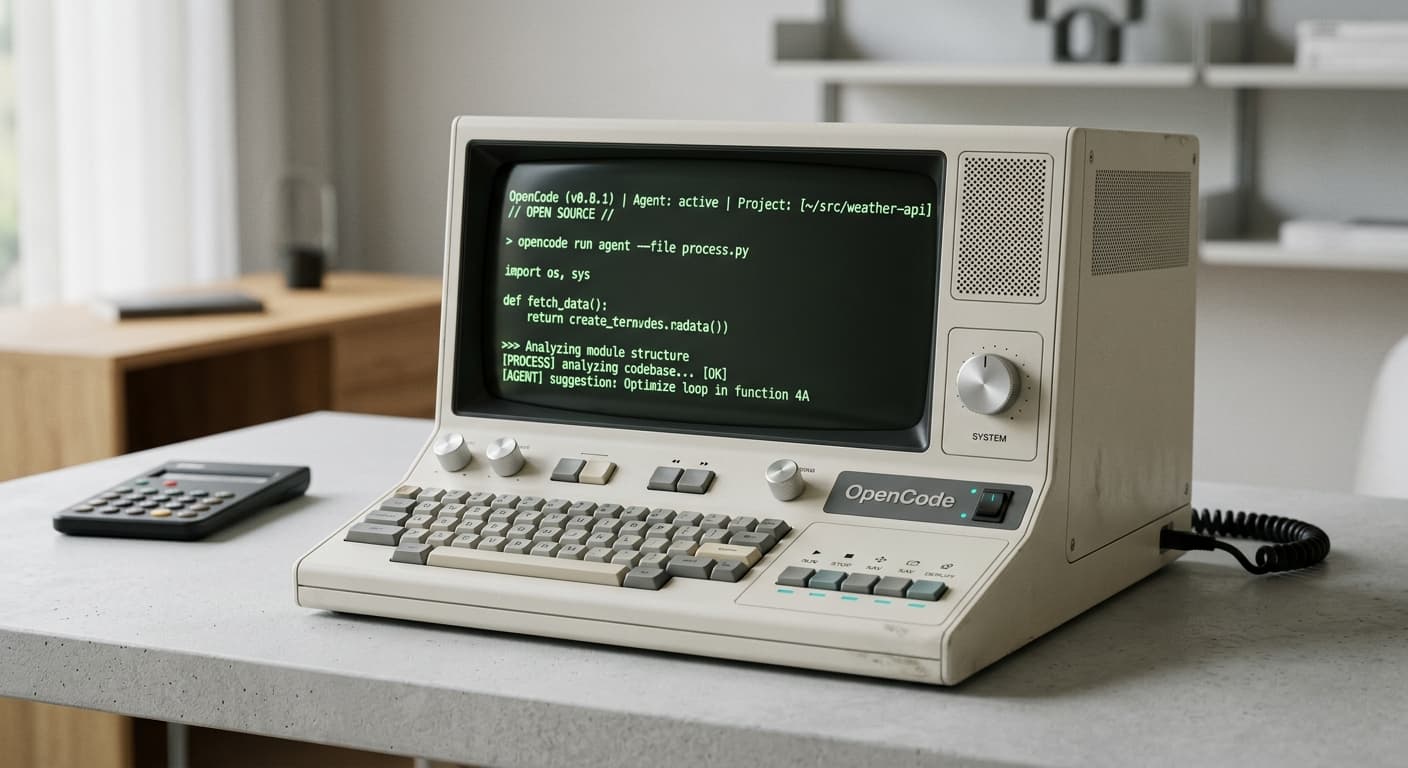
OpenCode is an open source AI coding agent. The official docs describe it as a coding agent that runs in your terminal, and is also available as a desktop app and IDE extension. It installs with a one-line script, can initialize projects with an AGENTS.md file, and supports multiple model providers rather than forcing a single vendor stack.
OpenCode itself is free. The OpenCode team also sells two optional model providers that plug into it. OpenCode Go is a $10/month subscription to a tested list of open coding models, with Go Plus at $40/month for higher limits. OpenCode Zen is a pay-as-you-go gateway billed per million tokens that adds Claude, GPT, and Gemini models. You can skip both and use your own API keys.
The agent is open source and costs nothing. Money only enters when you pick a model provider: your own keys, OpenCode Go, or OpenCode Zen. The Go and Zen section below has the current prices and limits.
What OpenCode Is
OpenCode is Anomaly’s take on the AI coding agent. The official docs call it an open source AI coding agent. The official site adds the positioning more plainly: terminal-first, open source, and flexible about which models you use.
That matters because many coding tools blur together. Some are editor autocomplete. Some are cloud PR bots. Some are chat interfaces with a file picker bolted on. OpenCode is closer to the current terminal-agent class: you point it at a repository, initialize the project context, then ask it to plan, edit, explain, or undo work.
Terminal-native
The terminal interface is the primary workflow in the official docs, not an afterthought.
Desktop and IDE surfaces
OpenCode also ships a desktop app and IDE extension, so the terminal is not the only entry point.
Open source positioning
The docs and official site explicitly position OpenCode as open source rather than source-available or closed.
Provider-flexible
You can configure your own model providers instead of being locked to one foundation model vendor.
Project memory
The `/init` flow creates an AGENTS.md file so the agent can keep project-specific instructions.
Agent customization
The docs expose skills, agents, tools, plugins, and LSP support as first-class primitives.
How OpenCode Works
The core workflow is simple. You install OpenCode, connect a provider, move into a repo, runopencode, and initialize project context. After that, you either ask questions about the codebase or switch into a plan-first workflow before making edits.
Minimal OpenCode flow
curl -fsSL https://opencode.ai/install | bash

cd /path/to/project
opencode

/init
The docs also make a useful distinction between planning and building. The intended workflow is not “fire one vague prompt and hope.” It is closer to “ask for a plan, iterate on the plan, then approve implementation.”
Installation and Setup
OpenCode’s install surface is broad. The docs list the curl installer first, then Node-based installation, Bun, Homebrew, Arch packages, Windows package managers, Docker, and WSL guidance.
| Method | Command / Guidance | Best For |
|---|---|---|
| Curl installer | curl -fsSL https://opencode.ai/install | bash | Fastest default path |
| npm | npm install -g opencode-ai | Node-heavy environments |
| Bun | bun install -g opencode-ai | Bun users |
| Homebrew | brew install anomalyco/tap/opencode | macOS/Linux package-manager workflows |
| Windows | WSL recommended; Chocolatey/Scoop also documented | Windows teams |
| Docker | ghcr.io/anomalyco/opencode | Ephemeral or containerized usage |
The official docs recommend WSL for the best Windows experience. That is a useful signal about the product’s center of gravity: OpenCode is clearly optimized around Unix-like development flows.
AGENTS.md, Skills, and Tools
One of the clearest tells that OpenCode belongs in the modern coding-agent category is the/init behavior. The docs say OpenCode analyzes your project and creates anAGENTS.md file in the repo root, and explicitly recommend committing it.
OpenCode’s docs also document skills that can be discovered from.opencode/skills, .claude/skills, and .agents/skills. That compatibility layer matters if your team already uses Claude-compatible or agent-compatible repository conventions.
OpenCode skills discovery paths from the official docs
Project config: .opencode/skills/<name>/SKILL.md
Global config: ~/.config/opencode/skills/<name>/SKILL.md
Project Claude-compatible: .claude/skills/<name>/SKILL.md
Global Claude-compatible: ~/.claude/skills/<name>/SKILL.md
Project agent-compatible: .agents/skills/<name>/SKILL.md
Global agent-compatible: ~/.agents/skills/<name>/SKILL.md
That is a practical detail, not marketing fluff. It means OpenCode is designed to fit into the same repository instruction ecosystem many teams already use for Claude Code and agent frameworks.
OpenCode Go and Zen Pricing
OpenCode Go and OpenCode Zen both work like any other provider in OpenCode. You sign in, copy an API key, run /connect in the TUI, and pick the provider. Both are optional. The difference is how you pay and which models you get.
| OpenCode Go | Go Plus | OpenCode Zen | |
|---|---|---|---|
| Price | $10/month | $40/month | Pay per 1M tokens |
| Models | Open coding models | Same as Go | Open models plus Claude, GPT, Gemini, Grok |
| Limits | Monthly $ cap per model | Higher caps than Go | Your credit balance and optional monthly cap |
| 5-hour / weekly window | 20% / 50% of the monthly cap | 20% / 50% of the monthly cap | None |
| Billing extras | Top up credit if needed | Top up credit if needed | Auto-reload $20 when balance drops below $5 |
| Works outside OpenCode | Yes (Claude Code, Codex, Pi, others validated) | Yes | Yes, via API endpoints |
OpenCode Go limits by model
Go limits are dollar amounts, not request counts. Each model has a monthly cap, and you can spend 20% of it in any 5-hour window and 50% in a week. A model with a $60 monthly cap allows $12 per 5 hours and $30 per week. The OpenCode team publishes estimated request counts from typical Go usage:
| Model | Go cap | Go est. req / 5h | Go Plus cap | Go Plus est. req / 5h |
|---|---|---|---|---|
| Kimi K3 | $15 | 110 | $60 | 440 |
| Kimi K2.7 Code | $60 | 1,350 | $180 | 4,050 |
| MiniMax M3 | $60 | 3,200 | $180 | 9,600 |
| Qwen3.7 Plus | $60 | 4,300 | $180 | 12,900 |
| GLM-5.3-Flash | $60 | 6,320 | $180 | 18,960 |
| DeepSeek V4.1 Flash | $60 | 26,000 | $120 | 52,000 |
| MiMo-V2.6-Flash | $60 | 30,100 | $120 | 60,200 |
The full Go list runs to roughly 30 models, including GLM-5.3, DeepSeek V4 Pro, Qwen3.8 Max, and Grok 4.7, and the team says it changes as models are tested and added. Only one member per workspace can subscribe to Go. Go monitors traffic for abuse, so a third-party client should send normal coding-agent traffic, identify itself with its own user agent, and pass a stable session ID in the x-opencode-session header.
OpenCode Zen pricing per million tokens
| Model | Input | Output | Cached read |
|---|---|---|---|
| Claude Opus 5.5 | $4.00 | $20.00 | $0.20 |
| Claude Sonnet 5 | $2.00 | $10.00 | $0.20 |
| Kimi K3 | $3.00 | $15.00 | $0.30 |
| DeepSeek V4 Pro | $1.74 | $3.48 | $0.145 |
| GLM 5.3 | $1.40 | $4.40 | $0.26 |
| MiniMax M3 | $0.30 | $1.20 | $0.06 |
| Big Pickle (stealth, limited time) | Free | Free | Free |
Zen models are hosted in the US, and the providers follow a zero-retention policy with listed exceptions. The free models may use your data during their free period, and OpenAI and Anthropic requests are retained for 30 days under those companies' policies. Team workspaces are free during the beta, admins can set per-member monthly spending limits and switch off specific models, and you can bring your own OpenAI or Anthropic key so those tokens are billed by the provider instead of Zen.
Pick Go if you mostly run open models and want a fixed bill. Pick Zen if you need Claude or GPT models, or your usage is too uneven for a subscription to pay off. Kimi K3 costs the same per token on both, so for that model Go only wins if you use enough of the $15 monthly cap.
OpenCode vs Claude Code
The overlap is real: both are coding agents, both are terminal-friendly, and both rely on persistent project instructions. But the product posture is different.
| Decision Area | OpenCode | Claude Code |
|---|---|---|
| Licensing posture | Open source positioning | Public repo, but commercial terms |
| Provider model | Multi-provider by design | Anthropic-first, with third-party provider support |
| Project instruction file | AGENTS.md | CLAUDE.md |
| Primary workflow | Terminal-first with desktop and IDE options | Terminal, IDE, desktop, web |
| Best fit | Teams that want openness and provider flexibility | Teams that want first-party Claude integration |
If you already know you want Anthropic’s ecosystem, start with Claude Code. If you care more about open source posture, provider flexibility, and a terminal agent you can shape more aggressively, OpenCode is the more interesting object. If you want a smaller harness whose workflow you assemble yourself, see the Pi coding agent guide.
Who Should Use OpenCode
OpenCode makes the most sense if you fit one of three profiles:
- You want an open source coding agent, not just a hosted assistant.
- You want provider choice instead of committing to one model vendor.
- You already work from the terminal and want the agent to meet you there.
It is less compelling if what you want is a first-party Anthropic workflow with the least integration thinking required. In that case, the smoother path is still Claude Code.
FAQ
Is OpenCode a real coding agent or just a chat wrapper?
It is a real coding agent. The official docs describe planning, building, project initialization, undo and redo commands, provider configuration, and agent customization features.
Does OpenCode only run in the terminal?
No. The official docs say it is available in the terminal, desktop app, and IDE extension.
What file does OpenCode use for project memory?
AGENTS.md. The docs recommend committing it so OpenCode can understand project structure and coding patterns.
What is OpenCode Go?
An optional $10/month subscription to a tested list of open coding models, with Go Plus at $40/month for higher limits. Limits are monthly dollar caps per model, and Go also works with Claude Code, Codex, and other agents.
What is the difference between OpenCode Go and OpenCode Zen?
Go is a flat subscription for open models. Zen is pay-as-you-go per million tokens and also carries Claude, GPT, Gemini, and Grok models. Both are optional.
Can OpenCode use Bun?
Yes. The official installation docs include bun install -g opencode-ai.
Need the apply layer behind your coding agent?
Open source agents still need deterministic file merging. Morph Fast Apply turns lazy model edits into real merged files at 10,500+ tokens per second.